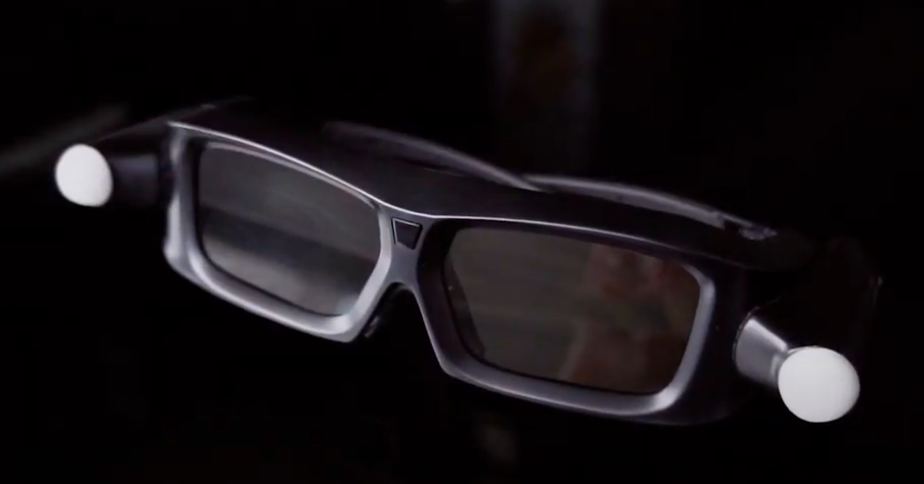
Immersive holographic demonstration of projects to create a unique experience
Hologram table is a 65-inch table with a holographic panel displaying a precise 3D model of buildings or campuses. The technology users can interact with the content, and focus on critical details: turn, zoom in or out, ‘take off’ the roof and look at floor layouts.
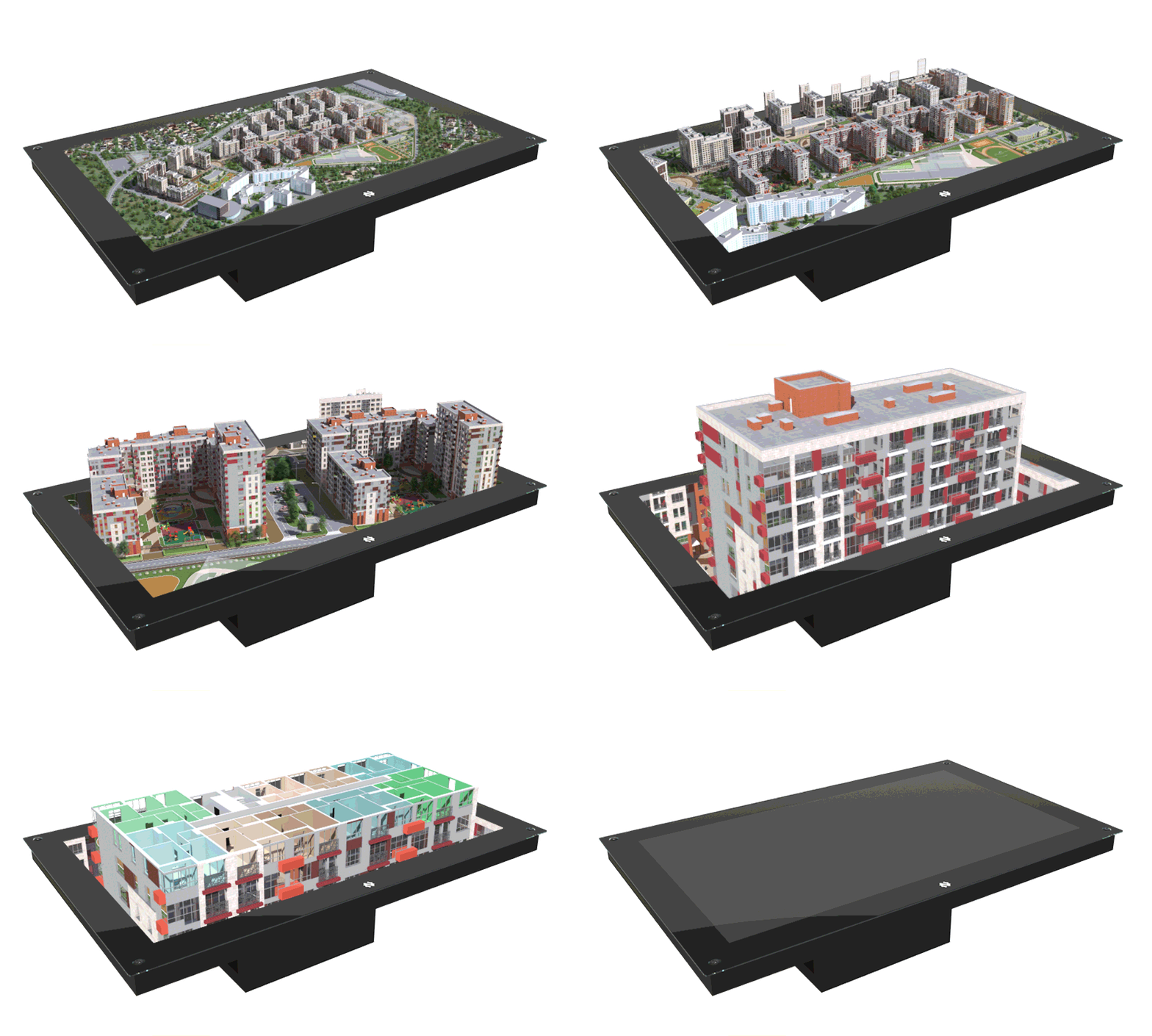
DEMONSTRATE ANY PROJECTS:
- Construction projects
- Real estate projects
- Enterprise projects (oil & gas, metallurgy, etc.)
- Government projects
HOLOGRAM TABLE BENEFITS
Traditional scale models are obsolete. We offer a fundamentally new approach to project demonstration, cost-effective and fully immersive holographic experience.

WOW-effect
This is a whole new customer experience that attracts and entertains your client

Interactive
Monitor the construction progress and visualize the prospective building

Detailed
Your client can see 3D projects in the smallest details

Easy to use
Move from scene to scene as you desire with just a single click

Realistic
Provide realistic view for people that have no time to go on site

Multifunctional
You can show unlimited number of 3D models or hologram designs using just one hologram table
HOW WE MAKE IT POSSIBLE
Interactive 3D models can increase the potential of any building presentation and attract your audience during exhibition or client meetings.
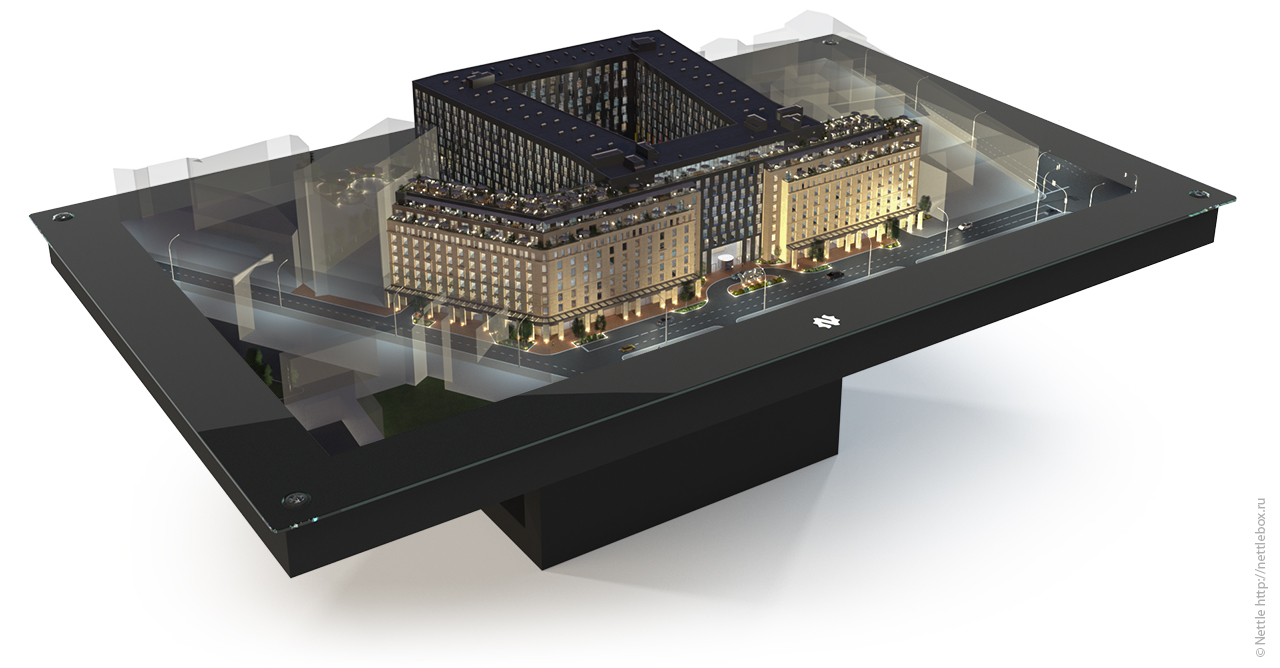
HOLOGRAM TABLE
A 65-inch hologram table delivers a powerful realistic view of real estate projects. While moving around the table, the patented system of high-speed cameras tracks the position of the user and renders the image to give a 3D view of the building from the right angle. Assist the client with second glasses, coming in package.
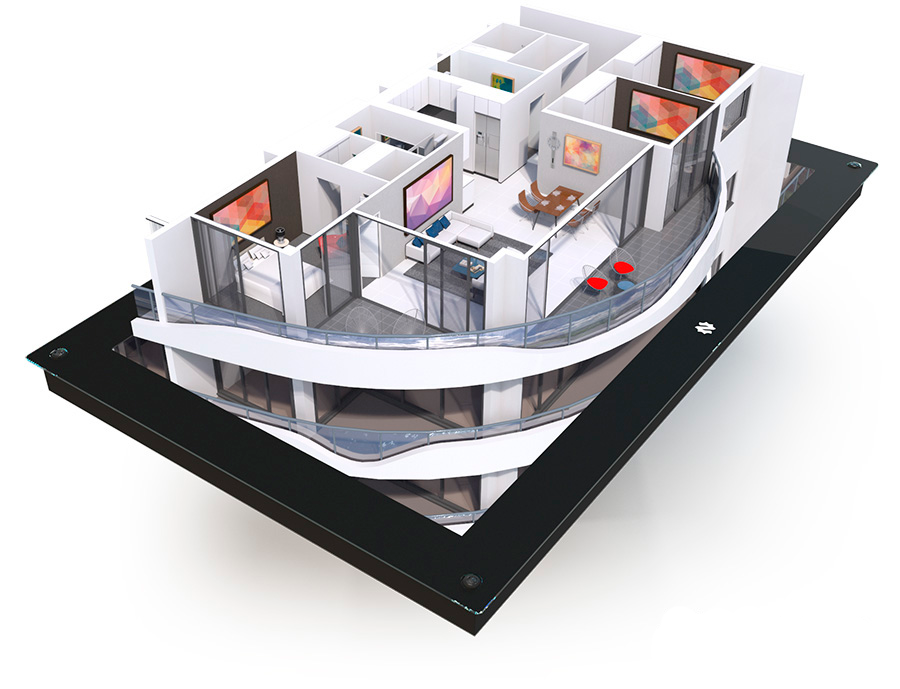
3D MODEL
We create a 3D model of our project and optimize it for a hologram table. We can make the objects animated and add infographics to a 3D model.
| BUSINESS VALUE | |
|---|---|
| 10-20 minutes | 89.3% |
| reduction in consultation time with a hologram table for sales |
positive reviews on demonstrations with a hologram table |
WHERE TO USE THE HOLOGRAPHIC TABLE

For sale offices
Animated layouts allow to make a bright and entertaining presentation in sales offices

For exhibitions
Exhibition equipment NettleBox will easily fit into the interior of any exhibition stand and provide holographic tour for visitors

For corporate museums
Holographic exposition is a new presentation format for museum visitors

For events
Interaction with the hologram as much as possible involves viewers in the process of any presentation
Explore related 10ⁿ Tech solutions
- Hologram tables, touchscreen kiosks or immersive rooms: what should developers choose? – a practical comparison for property developers.
- Digital twins for off-plan property sales – Online tools for 3D walkthroughs on conf call, interactive showrooms with 4K touchscreens.
- Immersive rooms – multi-wall LED rooms for developer sales galleries and experience centres.
Videos and images