Learn how Unreal Engine powers immersive rooms with nDisplay clusters, off-axis projection, synchronized LED walls, and reusable real-time 3D content.
By 10ⁿ Tech Immersive Systems Team · Updated June 2026 · 12 min read
- Immersive rooms need software that treats multiple LED walls as one continuous virtual space, not three screens in a corner.
- Unreal Engine + nDisplay handles the cluster topology, synchronized rendering, and off-axis projection that make this possible.
- Reusable real-time 3D content cuts the cost of every room after the first.
- Lab-first development catches integration issues before on-site commissioning.
What Makes Immersive Room Software Different?
An immersive room only works when every wall behaves like part of the same virtual space. That is where the software architecture matters.
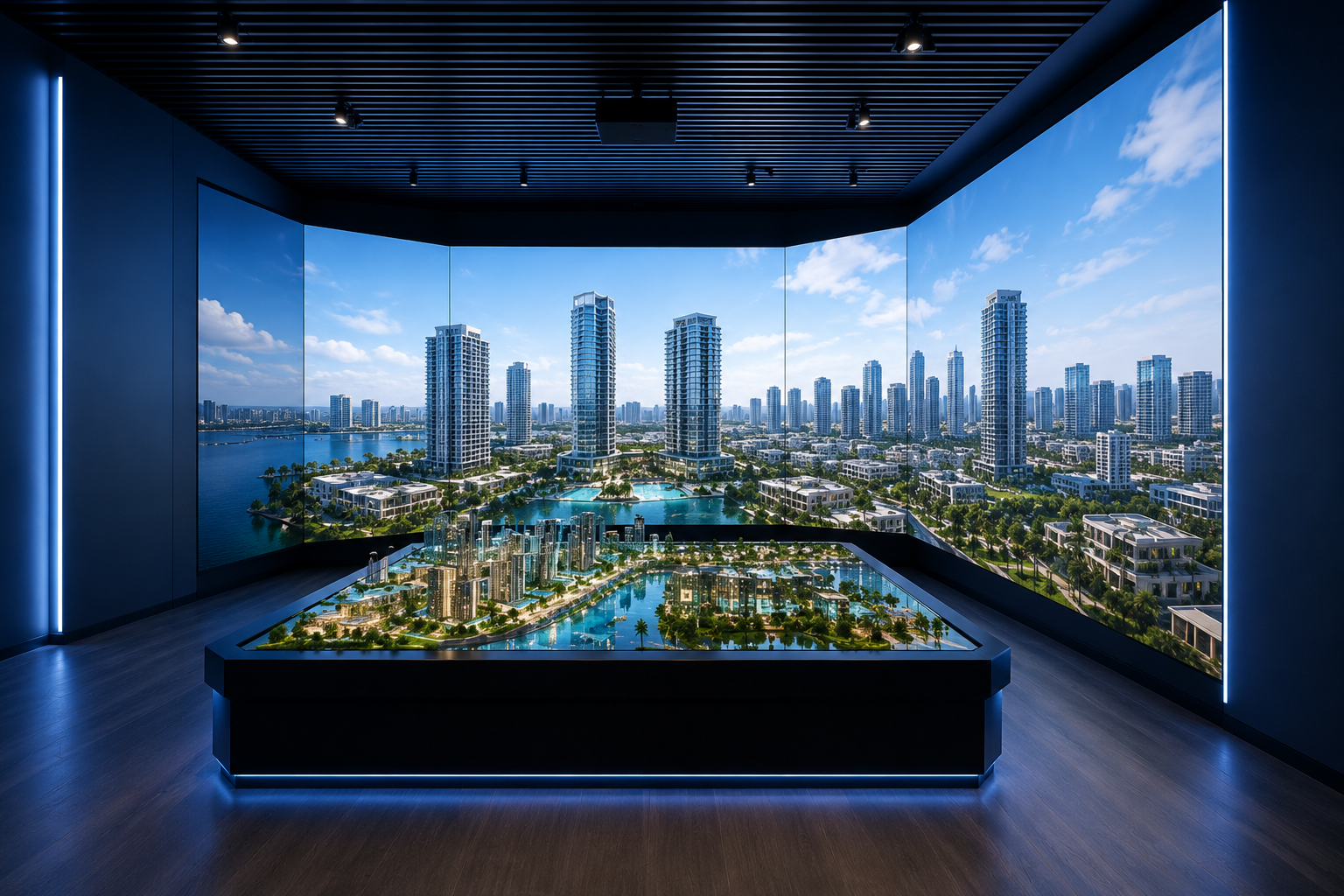
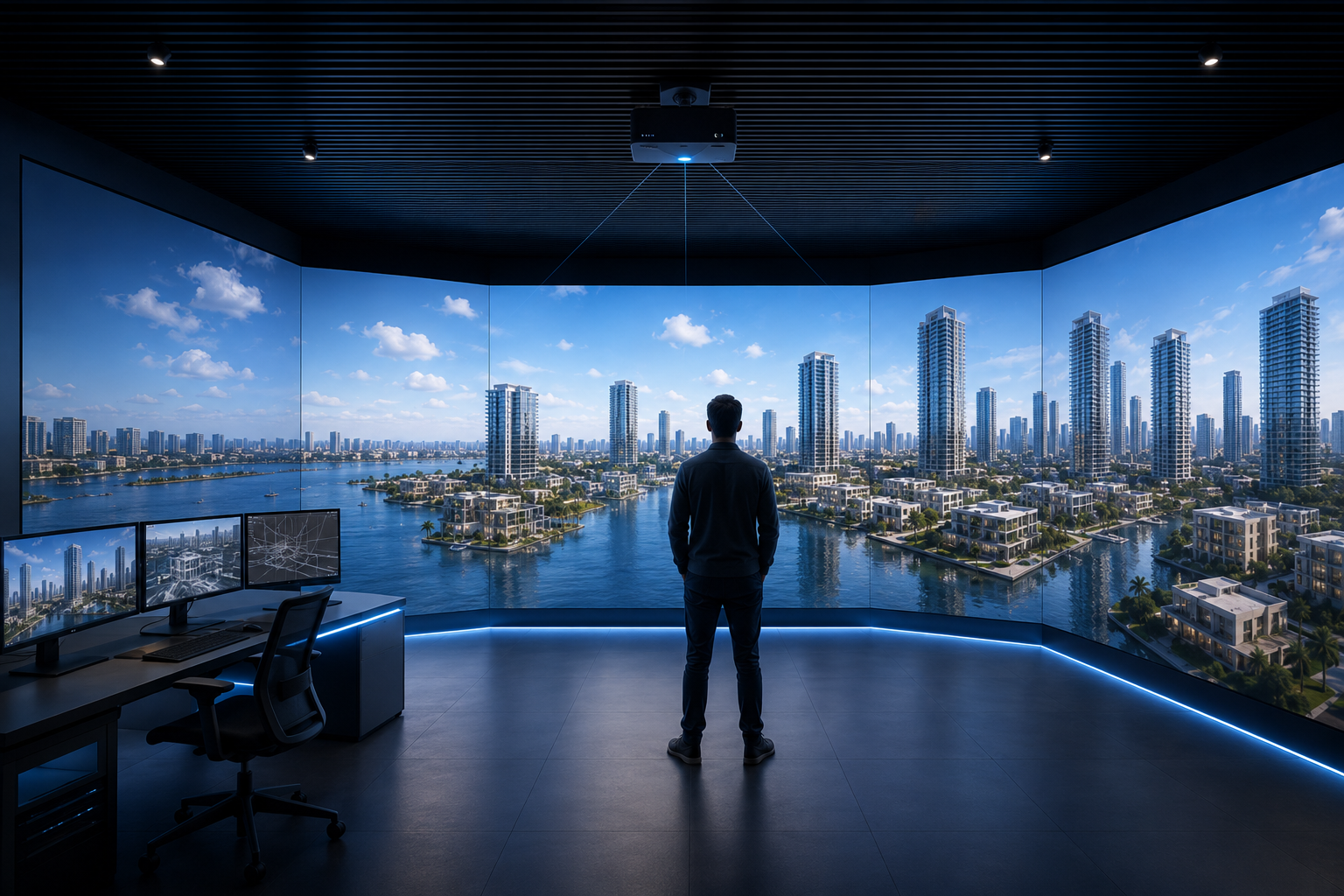
Hardware gets the attention: LED walls, control desks, tracking cameras, audio systems. But the immersive room software driving the room decides whether three LED walls feel like three screens in a corner or one continuous virtual environment.
This article explains how 10ⁿ Tech builds Unreal Engine applications for immersive rooms, including nDisplay cluster topology, off-axis projection, synchronized rendering, head tracking, content reuse, and lab-first development before on-site commissioning.
Written for AV consultant, innovation teams, project lead planning immersive rooms, sales galleries, experience centers, government environments, and industrial visualization .
Why Unreal Engine Is Used for Immersive Rooms
Two engines dominate real-time visualization: Unreal Engine and Unity.
Both can support immersive room experiences, but Unreal Engine is often the stronger choice for high-fidelity architectural visualization, real-time sales environments, and multi-display immersive rooms.
Nanite for High-Fidelity Geometry
Unreal Engine’s Nanite is a virtualized geometry system that streams detail on demand, letting teams work with highly detailed source assets while keeping real-time performance manageable.
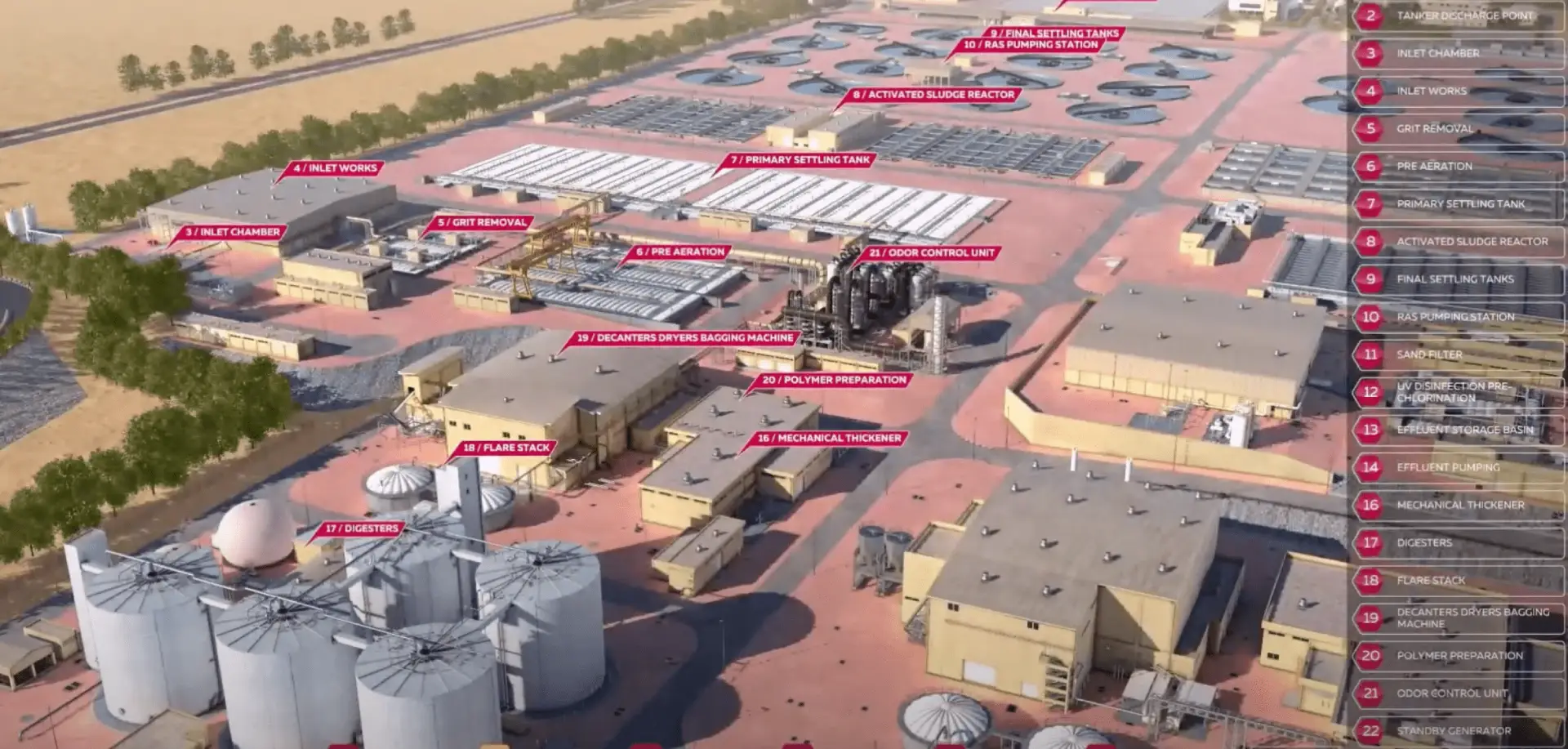
For real estate and technical visualization, this matters because detailed buildings, infrastructure, vehicles, interiors, façades, and landscape elements can be brought into the scene with less manual simplification.
Instead of turning every asset into a low-detail version, the team can preserve more visual accuracy while still rendering the environment in real time.
Lumen for Real-Time Lighting
Lumen, Unreal Engine’s global illumination system, helps scenes respond more naturally to lighting changes.
For immersive rooms, this is important because the same project may need to be shown at different times of day: sunrise, midday, sunset, evening, or night.
In older workflows, lighting changes could require long baking cycles. With real-time lighting, the scene can be adjusted more flexibly, which is useful for sales presentations, masterplan storytelling, and interactive product demonstrations.
nDisplay for Multi-Display Rendering
The most important reason is nDisplay.
nDisplay is Unreal Engine’s framework for synchronized multi-display rendering. It allows one Unreal Engine application to run across multiple machines and multiple display surfaces while behaving like one shared environment.
That is essential for immersive rooms.
A multi-wall LED room cannot simply play the same video on every wall. Each wall needs to render the correct part of the 3D scene, stay synchronized with the other walls, and respond correctly to user input, camera perspective, tracking, and show-control cues.
This is where Unreal Engine becomes especially useful for immersive room applications, CAVE-style rooms, virtual production stages, and real-time LED wall experiences.
What Is an nDisplay Cluster?
An nDisplay cluster is a group of networked machines that run the same Unreal Engine application together, with each machine rendering a different display surface while staying synchronized as one visual environment.
A normal Unreal Engine application usually runs on one workstation and renders one window.
An immersive room is different.
A typical three-wall immersive room may run the same application on four machines at the same time:
- One primary node
- Three render nodes (one per LED wall)
The application remains one shared experience, but the rendering work is distributed across the cluster.
From Single Window to Multi-Wall Rendering
The architectural shift is simple in concept but critical in execution.
In a single-window application, one machine runs the logic, renders the scene, handles input, and displays the output.
In a multi-wall immersive room, those responsibilities are split.
The Unreal Engine application still behaves like one experience, but nDisplay allows different machines to render different viewports of the same world.
This means the developer does not need to build three separate applications for three walls. Instead, the same application runs across the cluster, and the nDisplay configuration tells each machine which role it plays and which part of the scene it should render.
That keeps the system easier to manage, easier to update, and more reliable during operation.
How Primary Nodes, Render Nodes, and Swap Barriers Work
An nDisplay cluster usually depends on three core concepts: the primary node, render nodes, and synchronization.
Primary Node
The primary node controls the simulation.
It receives input from the host tablet, control interface, tracking system, show-control system, or any other connected source. It runs the main scene logic and distributes the required state to the render nodes.
In practical terms, the primary node decides what is happening in the Unreal Engine world.
Render Nodes
The render nodes draw the scene.
In a three-wall room, each render node is usually assigned to one LED wall. One machine renders the front wall, another renders the left wall, and another renders the right wall.
These render nodes do not need to control the whole experience. Their job is to receive the correct world state and render their assigned viewport at the right moment.
This keeps the system organized and makes the cluster easier to operate.
Swap Barrier
The swap barrier (also called frame-lock or genlock at the GPU level) keeps all walls synchronized.
Each node holds its rendered frame until the full cluster is ready to present. This ensures that the front, left, and right walls show the same frame at the same wall-clock moment.
Without this synchronization, the room can suffer from drift, tearing, visual seams, or timing mismatches between walls.
In an immersive room, even small timing errors can break the illusion.
What Is Off-Axis Projection?
Off-axis projection is a rendering method that adjusts each wall’s camera perspective based on the viewer’s position, making LED walls feel like windows into a virtual space rather than flat screens .
In normal rendering, a camera looks straight ahead with a symmetrical view, which is fine for a single screen. In an immersive room, the front wall, left wall, and right wall each need a different camera perspective so the walls connect into one continuous virtual environment .
Why It Matters
Three large screens with flat-camera content feel like three televisions in a corner. The visitor notices the screens. Higher resolution and brightness don’t fix this; the missing ingredient is spatial perspective.
Off-axis projection adjusts each wall’s perspective so the walls feel like openings into one continuous virtual environment rather than three flat panels.
How Head Tracking Creates a Spatial Experience
Parallax (the way nearby objects shift more than distant ones as you move) is one of the brain’s primary depth cues. Static images on flat walls don’t respond to viewer movement, so the brain reads them as flat.
In an immersive room with head tracking, the system tracks the position of the active viewer and updates the perspective of the scene in real time.
Ceiling-mounted depth cameras can detect the viewer’s position and stream that data into Unreal Engine. The application then adjusts the rendered view so the LED walls respond as the visitor moves.
As the visitor walks forward, the perspective expands as if they are stepping closer to a real window.
As they lean left, the visible relationship between the walls changes.
As they move across the room, the virtual environment updates with them.
Without off-axis projection and tracking, the room may feel like 360-degree wallpaper.
With them, the same hardware can feel like a place.
Performance: Why the Cluster’s Slowest Node Sets the Frame Rate
The summary: performance in an immersive room isn’t about peak GPU horsepower. It’s about consistency across the whole cluster. The slowest node sets the frame rate, and frame-time consistency matters more than averages.
Each render node draws one wall. For example, a 3.6 m by 2.03 m LED wall at 1.2 mm pixel pitch may render around 2880 x 1620 pixels per node. That is below 4K per wall, but the full room still needs stable performance across all nodes.
The slowest node sets the cluster frame rate.
Because of the swap barrier, every node has to stay in sync. If one render node drops frames, the whole room can feel unstable, even if the other machines are performing well.
That is why each node needs to be profiled separately.
A system that averages 60 fps on one node can still feel poor if another node has frame-time spikes or inconsistent performance during heavy scenes.
Average frame time is not enough. Frame-time consistency matters.
For 60 fps playback, the target frame time is around 16.6 ms. But the 99th percentile frame time also matters. If worst-case moments regularly exceed the frame budget, the visitor may notice stutter, timing mismatch, or reduced smoothness.
Upscaling (NVIDIA’s DLSS, AMD’s FSR, or Unreal’s built-in TSR) can recover headroom, but each needs careful testing across wall seams. A setting that works well on one display may create visible differences when several walls meet in a continuous environment.
| Metric | Target | Why It Matters |
| Average frame rate | 60 fps | Baseline for smooth motion |
| Frame time | ≤16.6 ms | 60 fps budget per frame |
| 99th percentile frame time | ≤16.6 ms | Catches worst-case stutter |
| Per-node consistency | All nodes within 1 ms of each other | Swap barrier means slowest node = cluster rate |
How One Unreal Engine Scene Supports Room, Kiosk, Web, and Video
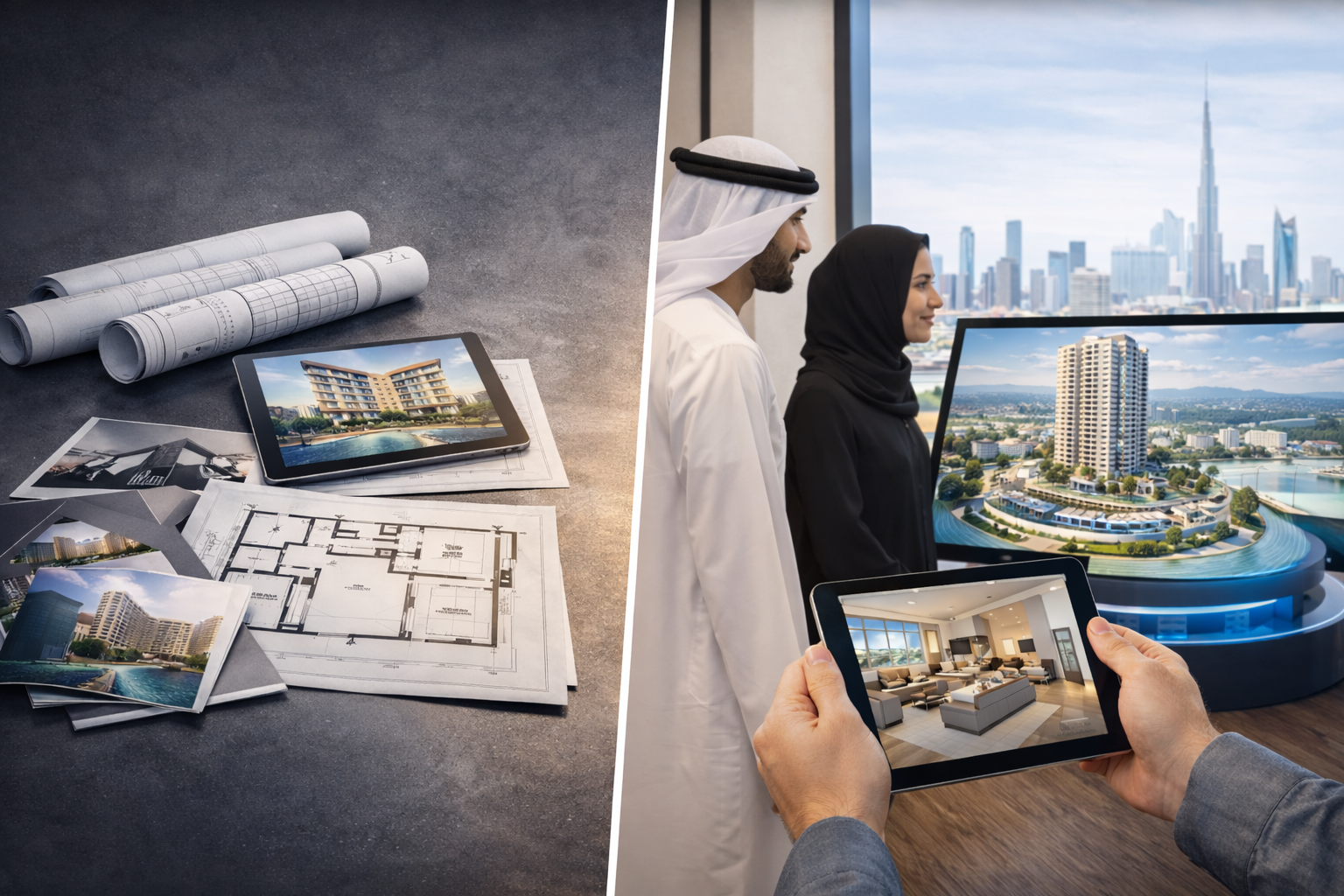
One of the biggest commercial advantages of building the experience in Unreal Engine is content reuse.
The immersive room should not be treated as a one-off content build.
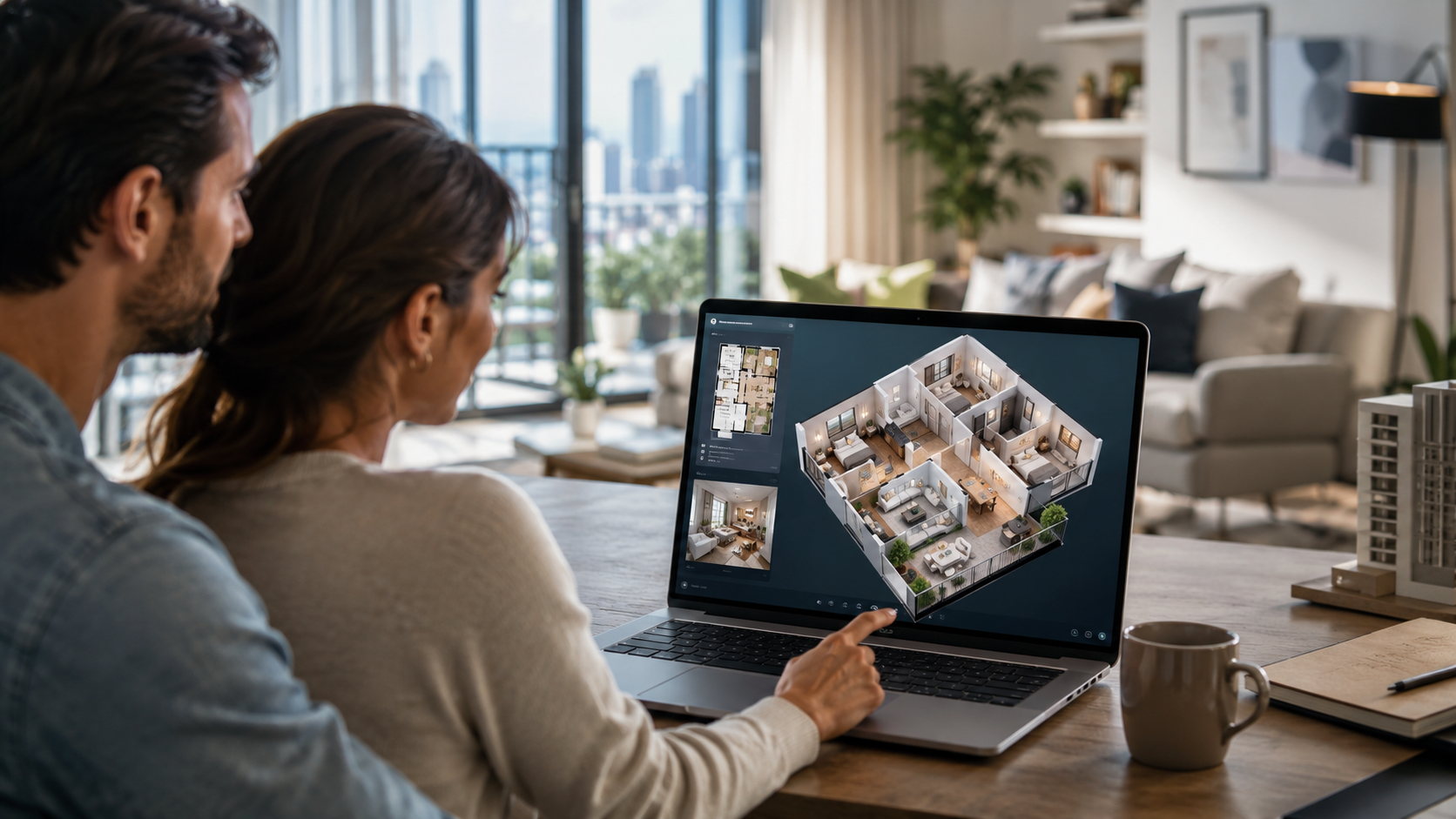
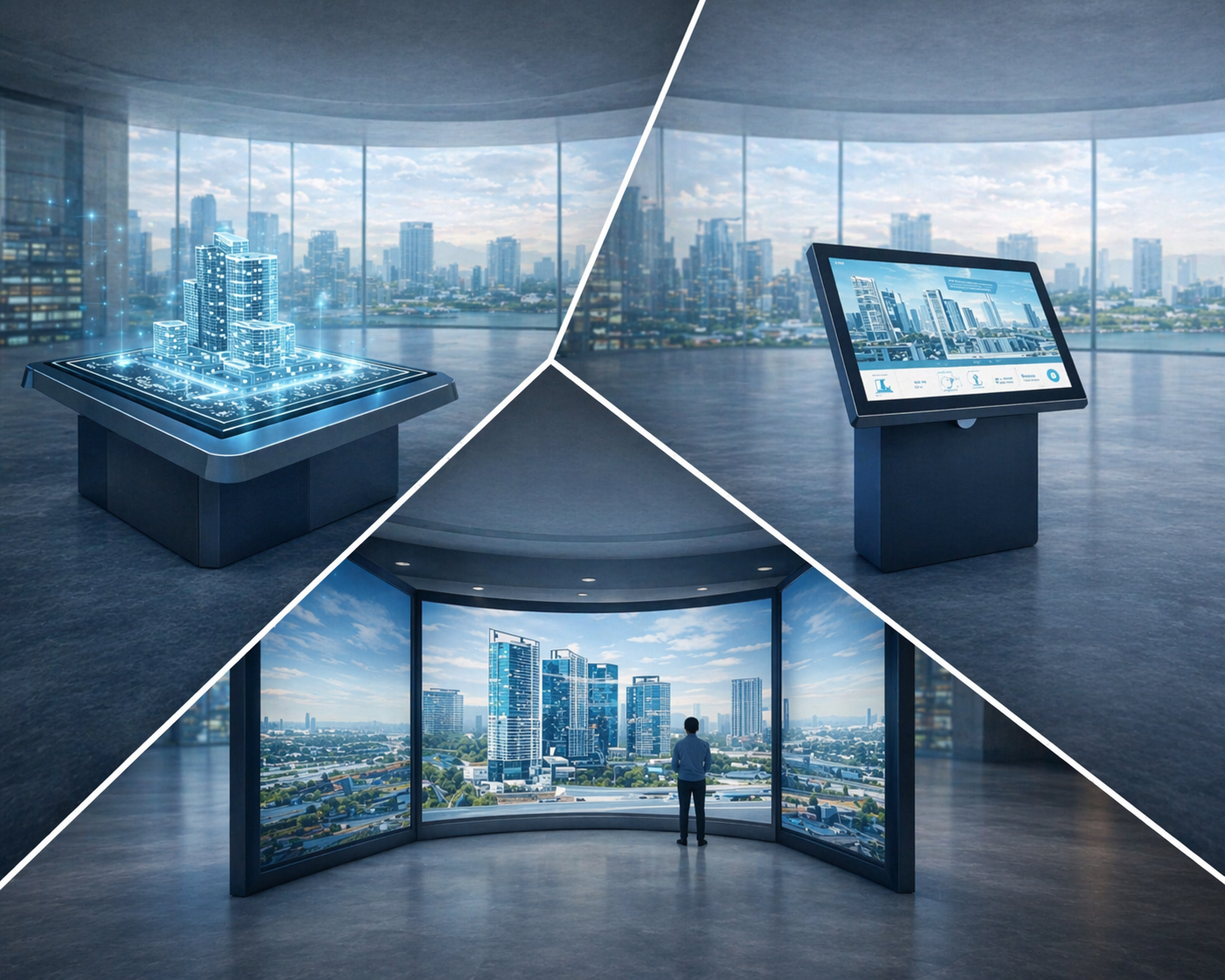
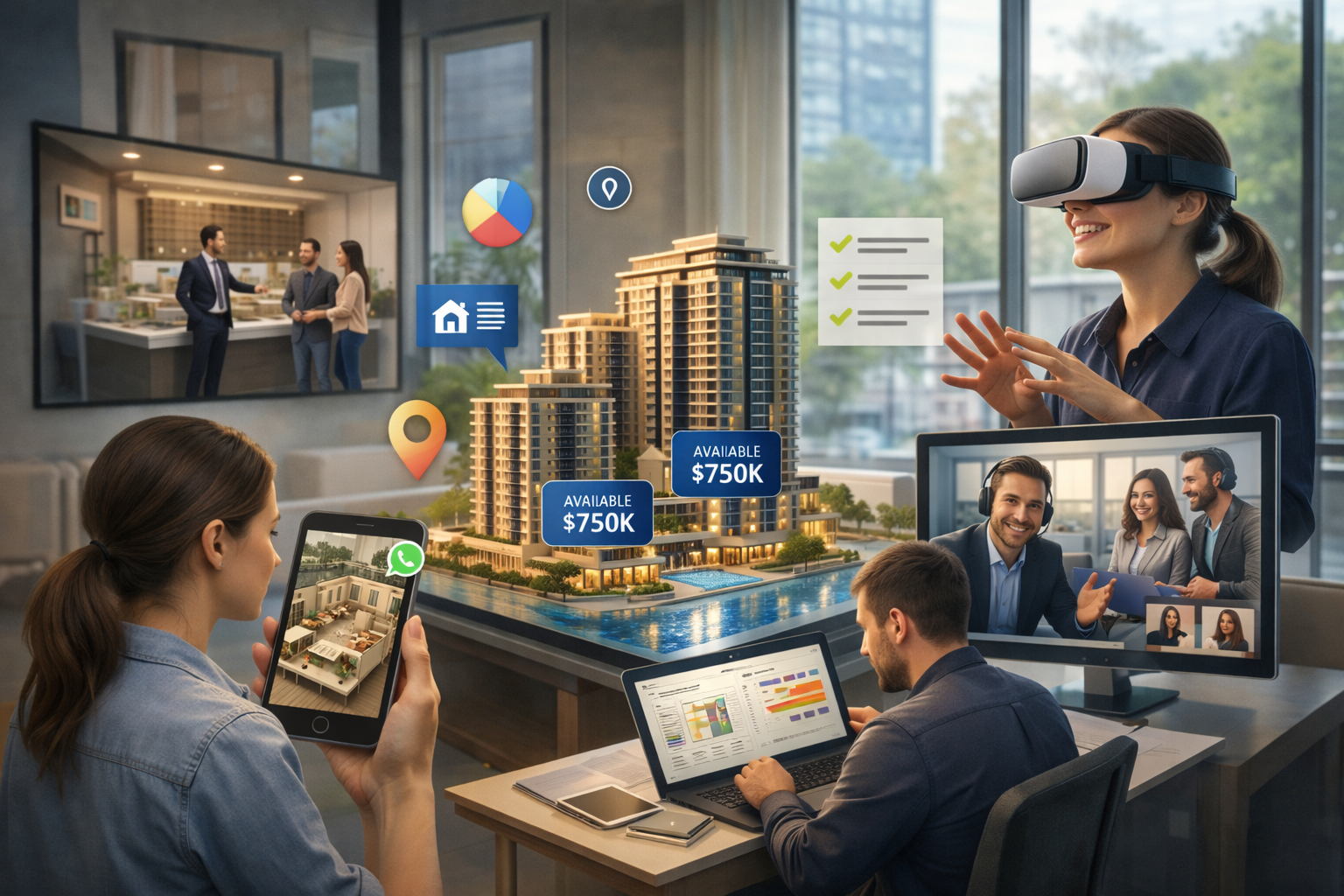
The same real-time scene can support multiple sales and marketing channels. Interactive uses:
- The immersive room
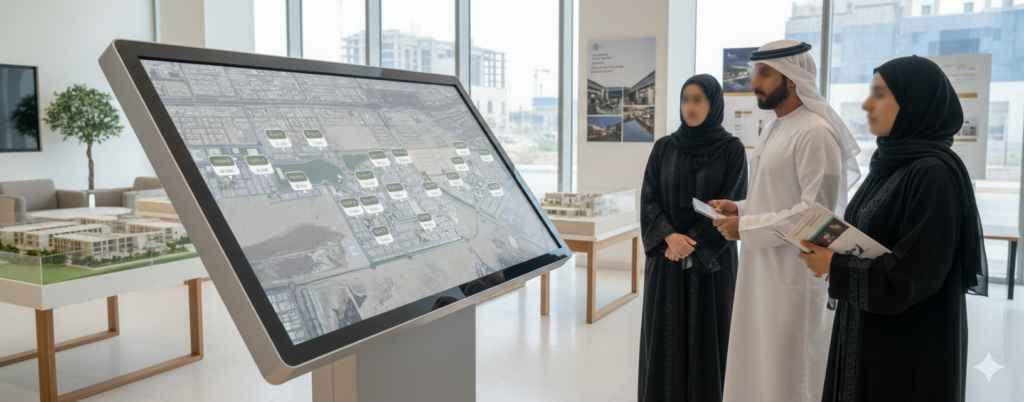
- Sales-gallery kiosks
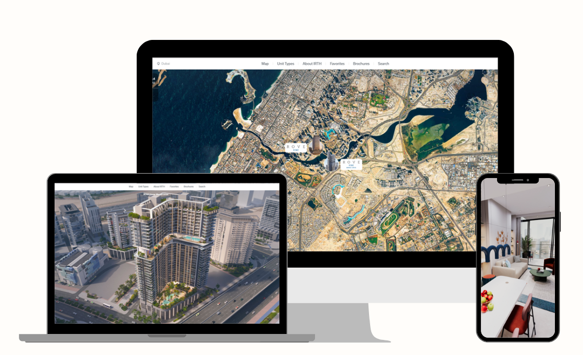
- Web-based 3D walkthroughs
- Remote presentations
- Video uses:
- Cinematic flythroughs
- Website hero videos
- Social media reels
- Launch event content
The immersive room, a kiosk, and a web-based experience through Pixel Streaming or a browser-ready export are all viewports onto the same scene.
Cinematic videos can also be produced from the same scene by changing the camera path, framing, and output format.
This matters because project content changes over time.
If the masterplan changes, unit mix changes, lighting needs adjustment, or a new phase is added, one source scene can be updated and reused across multiple touchpoints.
That creates one source of truth across the buyer journey.
For real estate developers, this can turn the immersive room from a launch-event feature into a long-term sales tool that supports showroom presentations, remote buyer journeys, investor presentations, and marketing content.
How an Unreal Engine Immersive Room Is Built, Deployed, and Launched
A successful immersive room application needs a clean deployment workflow.
The project is usually packaged as a Windows Shipping build. The deployment pattern:
- One Windows Shipping build copied to every cluster machine
- An nDisplay configuration file that tells each instance which role to play (primary or render) and which viewport to render
- A host machine that launches and monitors the cluster
- A shared project directory so all nodes load identical assets and cooked content
Operators should not need to log into render machines manually.
The cluster should be launched from a host console using Switchboard, Unreal Engine’s cluster orchestration utility. From there, the operator can launch, restart, stop, or reset the cluster without touching individual machines.
Clock synchronization is also important.
The machines in the cluster need to stay aligned closely enough for synchronized rendering, show-control cues, and time-sensitive playback. A local PTP or NTP time source keeps system clocks in step, and genlock (or NVIDIA Quadro Sync on Quadro/RTX hardware) locks the GPUs to a shared display refresh so frames present on the same vertical sync across all walls.
Sequencer is useful for time-locked presentation moments.
Visual effects, audio transitions, lighting cues, DMX events, airflow, scent, and other show-control elements can be placed on a shared timeline. This allows the immersive room to operate as a coordinated experience rather than a collection of separate systems.
For the visitor, the experience feels seamless.
For the operator, it should feel simple to launch and control.
Why Lab-First Development Reduces On-Site Commissioning Risk
The safest place to find cluster problems is the lab, not the client site.
Before the LED panels are installed, the immersive room application should be tested on a desktop mock rig. Instead of using full LED walls, the development team can use three monitors as proxies for the front, left, and right walls.
nDisplay does not need the final LED panels to validate the core application logic. It needs display outputs, configuration, and a virtual room model.
This allows the team to test the cluster before the physical room is ready.
A lab setup catches most of the problems that usually surface during commissioning. The recurring categories :
- Cluster sync: handshake failures, viewport misconfiguration, clock drift
- Content & timing: Sequencer issues, audio sync, DMX cue timing
- Deployment & integration: deployment errors, content package inconsistencies, input/tracking issues
The lab is the cheaper and safer place to solve these issues.
Some things still need to be tested on site. These include LED panel moiré, true wall-to-wall color matching, brightness calibration, real room scale, viewer comfort, and depth-camera fusion across the full floor area.
But by the time the system reaches the site, the application itself should already be proven.
That changes commissioning from discovery to calibration.
What Team Is Needed to Build an Unreal Engine Immersive Room?
Building an immersive room application is closer to a small production than a typical software project. It needs a multidisciplinary team.
The team usually includes several roles:
Technical lead
Responsible for Unreal Engine architecture, nDisplay, Live Link, cluster logic, and system integration.
Environment artists
Responsible for the 3D scenes, materials, lighting, buildings, interiors, landscapes, and visual quality.
Technical artist
Bridges the creative and technical sides, optimizing scenes, solving rendering issues, and preparing content for real-time performance.
Interaction developer
Builds the logic for navigation, scene changes, host controls, tablets, touchscreens, or other input systems.
Sound designer
Creates audio layers, spatial sound, transitions, and environmental cues that support the experience.
Producer or project manager
Keeps the creative, technical, client, and deployment teams aligned.
For a bespoke immersive room application with a single master scene and content reuse across room, kiosk, and web, three months is often a realistic minimum timeline.
Compressing the timeline too much usually affects quality. The experience may still work technically, but the content can start to feel generic, rushed, or disconnected from the client’s brand.
Related 10ⁿ Tech Solutions
10ⁿ Tech supports immersive room projects through real-time 3D development, interactive sales tools, and multi-display visualization systems.
Relevant solutions include:
- Interactive Showroom Experiences
Touchscreens, guided presentation systems, and interactive tools that help teams explain complex projects more clearly.
- Digital Twins for Off-Plan Property Sales
Real-time 3D project environments that help buyers explore masterplans, units, views, amenities, and surroundings before completion.
- Web-Based 3D Walkthroughs
Browser-based 3D experiences that allow remote buyers, investors, or stakeholders to explore projects without visiting the showroom.
- Virtual Hologram Tables
Interactive 3D masterplan displays for real estate sales centers, exhibitions, and project launch events.
Build Your Unreal Engine Immersive Room With 10ⁿ Tech
Planning an immersive room with synchronized LED walls and real-time Unreal Engine content.
Talk to 10ⁿ Tech about your immersive room project.
We deliver immersive room applications for real estate, government, and industrial environments, from Unreal Engine development through cluster deployment and on-site commissioning.